
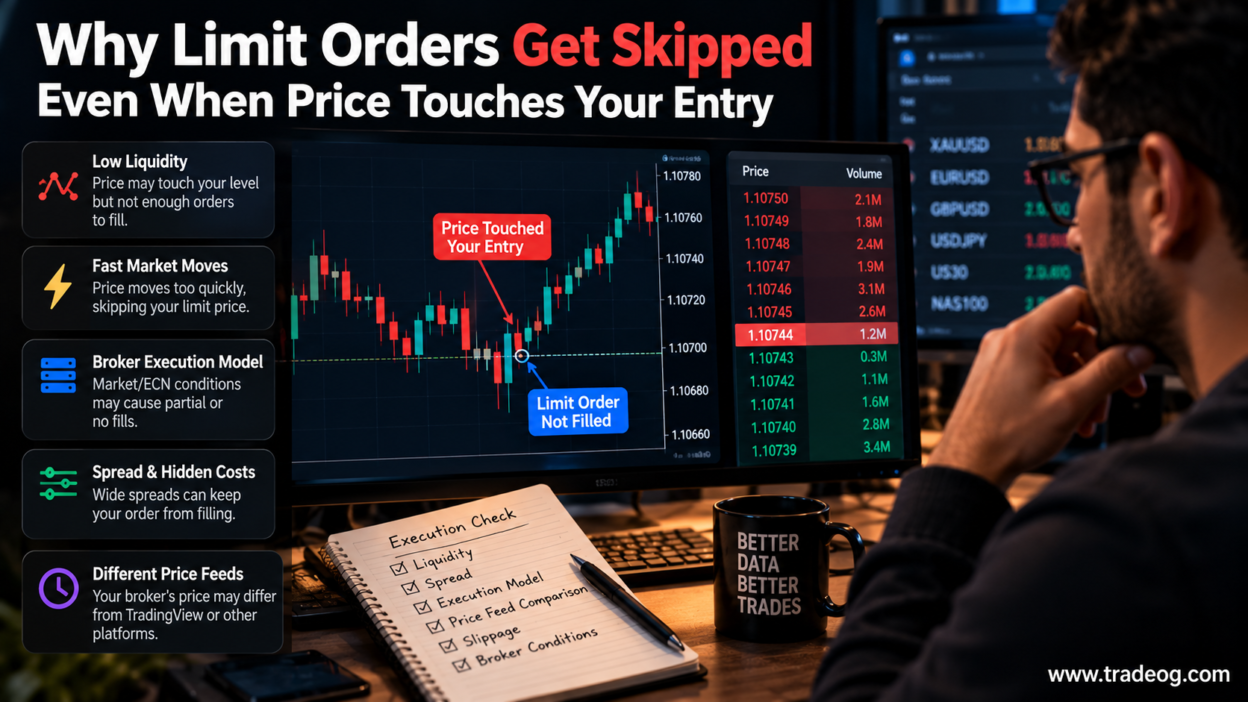
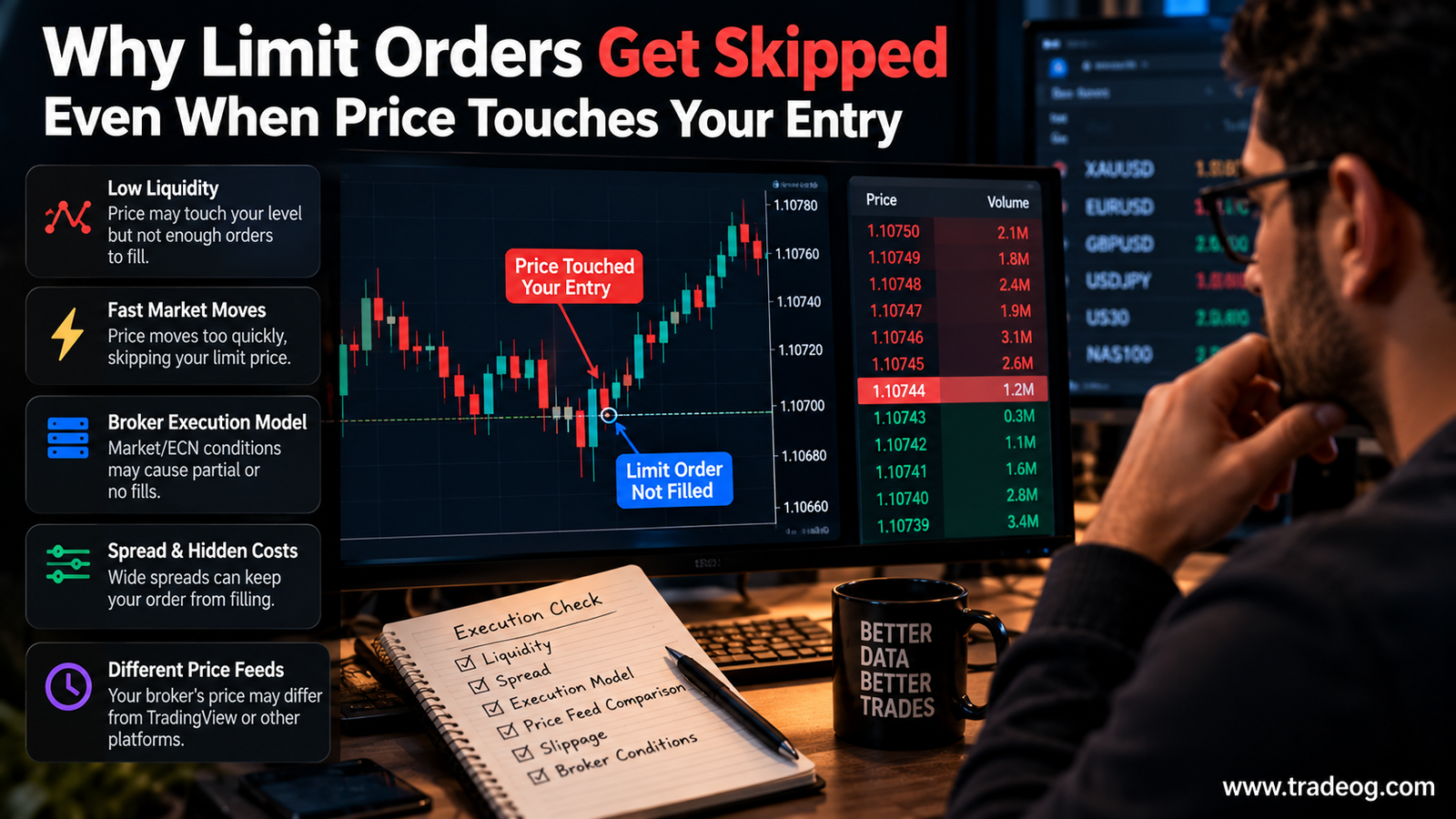
You set a limit order, watch the chart move right to your entry, and expect a fill. But nothing happens. The market turns away and the order is still sitting there. It can feel as if the broker skipped your price, especially when the candle appears to touch the exact level you planned.
There are several possible explanations, and they are not all broker misconduct. A chart can show a price touch without showing the executable quote your order needed, and even a valid quote at the level does not guarantee that every order will be filled. To understand what happened, you need to know which price triggered the order, how the instrument is quoted, and what your broker’s execution rules say.
1. The chart may show Bid while your order needs Ask
This is one of the first things to check on forex and CFD platforms. Many charts display Bid prices by default, while a buy order may be triggered or filled using the Ask. The Ask is normally higher than the Bid by the spread.
Imagine EUR/USD has a Bid of 1.08500 and an Ask of 1.08512. Your chart shows the Bid touching 1.08500, but a buy limit at 1.08505 may not have been reached by the Ask in the way you expected. The exact trigger and fill rules depend on the platform, order type and broker.
For a sell limit, the relevant side of the quote can differ as well. Turn on the Ask line in your platform if available, then compare it with the order’s trigger price. Do not assume that the candle’s visible high or low represents both sides of the market.
2. A candle touch is not the same as a confirmed executable quote
A candle compresses many price updates into an open, high, low and close. It does not show every tick, the spread at each moment or whether a quote was available long enough for your order to be processed.
A wick that reaches your level on a chart from another data provider may not appear on your broker’s feed. Forex is a decentralised market, and brokers can receive prices from different liquidity providers or use different pricing arrangements. Small differences in highs and lows are possible, particularly during fast markets.
For this reason, compare the chart on which you planned the trade with the broker’s own price feed and execution log. If you use TradingView for analysis and place trades through MT5, the two charts may not print identical ticks.
3. Limit orders do not guarantee a fill just because the market reaches a level
A limit order sets the price at which you are willing to buy or sell, or a better price under the applicable order rules. It does not guarantee execution. Depending on the market, venue and broker model, available quantity, order handling rules and timing can affect whether the order fills fully, partially or not at all.
In exchange-traded markets, orders at the same price may be ahead of yours in the queue, and available volume may be insufficient to fill every order. Retail spot forex and CFDs do not all use one central order book, so queue priority is not a universal explanation. Your broker’s terms and execution model matter.
If the market only briefly touches the level, there may be little opportunity for the order to be matched or processed. A visible chart cannot tell you how much executable liquidity was available to your specific order.
4. Fast price movement can jump across your entry
During news releases, market opens or sudden liquidity changes, prices can move from one quote to another very quickly. A chart may draw a continuous wick, but the underlying quotes may have jumped across several price levels.
For example, the last displayed quote might be 1.08520 and the next quote 1.08500. Your limit price may appear inside the candle’s range, but that alone does not prove the broker received a tradable quote at that exact price or that the order’s conditions were met.
Gaps and fast markets can affect execution differently depending on the order type. A limit order generally protects the price you are willing to accept, which can mean it remains unfilled. A stop order, by contrast, may become a market order after triggering and can fill at a different price.
5. Your broker may use specific trigger and execution rules
Different brokers and instruments can have different rules for triggering pending orders. Some platforms offer settings that determine whether Bid, Ask or another defined price source triggers an order. Contract specifications can also differ between forex pairs, metals and index CFDs.
Check the broker’s order policy for:
- Which quote side triggers a buy limit or sell limit
- Whether the instrument is traded as a CFD, spot forex product or exchange-traded contract
- Minimum distance requirements for pending orders, if applicable
- Partial-fill, rejection and requote handling
- Trading-hour restrictions and special rules during market breaks
- Whether the platform’s chart uses the same price feed as order execution
Do not assume a broker uses a particular execution model simply because the platform is MT4 or MT5. The platform is software; execution arrangements are determined by the broker and product.
6. The order might not have been active when price touched
It is easy to miss timing details when looking back at a chart. The order could have been submitted after the price touch, expired, been cancelled, been rejected, or been placed at a slightly different price due to decimal precision or the instrument’s minimum tick size.
Open the order history and verify the exact order price, submission timestamp, status and expiry settings. Check whether the order was accepted by the server before the market reached the level. A line drawn on the chart is not proof that a live pending order was active at that moment.
7. How to investigate an unfilled limit order
Instead of relying only on a screenshot of a candle, collect the information that can explain the order outcome.
- Record the order ID. Keep the instrument, buy/sell direction, order type, requested price and volume.
- Check the correct quote side. Compare the Bid and Ask around the touch, not just the candle’s high or low.
- Use the broker’s own feed. Note the date, exact time and time zone, and compare with any external chart separately.
- Confirm the order was live. Review acceptance, expiry, cancellation and rejection messages.
- Save platform logs. Preserve available tick data, screenshots and order history before they disappear or roll off.
- Ask the broker for an execution review. Provide the order ID and timestamp and request the relevant quote and reason the order did not fill.
If the broker’s records show that the relevant executable quote reached your limit while the order was active, ask for a clear explanation under its published execution policy. One incident can be a data or timing issue; repeated, well-documented discrepancies deserve closer review.
Example: why a chart can touch the level without a fill
Suppose you place a EUR/USD buy limit at 1.08500. Your analysis chart prints a low of 1.08500, so it looks like the entry was touched. But the chart displays Bid, and your broker’s Ask never falls to 1.08500 during that period. Depending on the broker’s trigger rules, the order may correctly remain unfilled.
Now imagine the broker’s own executable quote did reach the relevant trigger level while your accepted order was active. In that case, check the order’s conditions, fill policy and audit trail. The chart alone cannot settle the question either way.
Should you move your limit order closer to the market?
Not automatically. Moving a limit order to chase a fill can change the risk-to-reward of the trade and encourage impulsive entries. First determine whether the issue was the Bid/Ask difference, a separate price feed, the order status or the broker’s execution conditions.
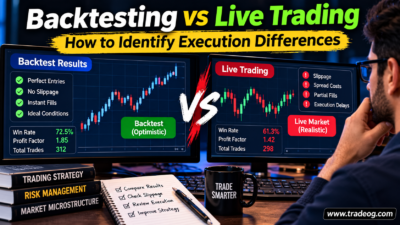
If your strategy depends on frequent precise entries, consider testing it on the same broker feed you use for execution and recording unfilled orders as well as filled ones. A backtest that assumes every candle touch produces a fill may overstate performance, especially for strategies with tight targets.
Frequently asked questions
Why did my limit order not fill even though the candle touched it?
The candle may show a different quote side or price feed, the touch may have been too brief, the order may not have been active, or the execution rules and available liquidity may not have allowed a fill. Check the broker’s quote and order logs.
Do limit orders always fill when price reaches the limit?
No. A limit order controls the acceptable price; it does not guarantee execution. The order may remain unfilled or fill only partly, depending on the market and applicable execution rules.
Why does TradingView show a touch but MT5 does not?
The platforms may use different data feeds, liquidity sources, quote conventions or timestamps. Compare both sides of the quote on the broker’s own platform before deciding that an order was skipped.
Can a broker deliberately skip my limit order?
A chart screenshot alone cannot establish that. Preserve the order ID, timestamp, broker quote and execution log, then request an explanation. Look for repeatable evidence rather than drawing a conclusion from one candle.
Risk note: Forex and CFD trading involves substantial risk. This article explains order mechanics and record-checking; it is not a recommendation to trade or use a particular broker.